Pick a source. Get straight to it.
Switch the receiver’s input and open the matching controls. A configured TV HDMI link can put the television on the right input too.
 MyAV iOS is on its way
YOUR HOME CINEMA, TOGETHER
The TV, the receiver, the box you watch everything on. Bring your compatible equipment together in MyAV.
Interactive browser demo. No equipment needed.
A REAL MIX OF EQUIPMENT
This demonstration room is ready to use. Pick a device, try the controls, and watch the simulated setup respond.
The demo uses MyAV’s original controls and artwork. Equipment responses, programmes and installed apps are illustrative. The LG G6 uses the existing LG webOS control profile.
LESS REMOTE JUGGLING
MyAV brings supported devices together over your home network. What you see adapts to the equipment in your room.
Find your equipmentSwitch the receiver’s input and open the matching controls. A configured TV HDMI link can put the television on the right input too.
When a supported receiver is in the room, its volume controls stay available as you move between devices.
Use room profiles to organise equipment around your home. Devices you don’t want to use can go in the Unused profile.
Tap a logo to choose a channel or launch an app on equipment that supports it. The available shortcuts depend on the device.
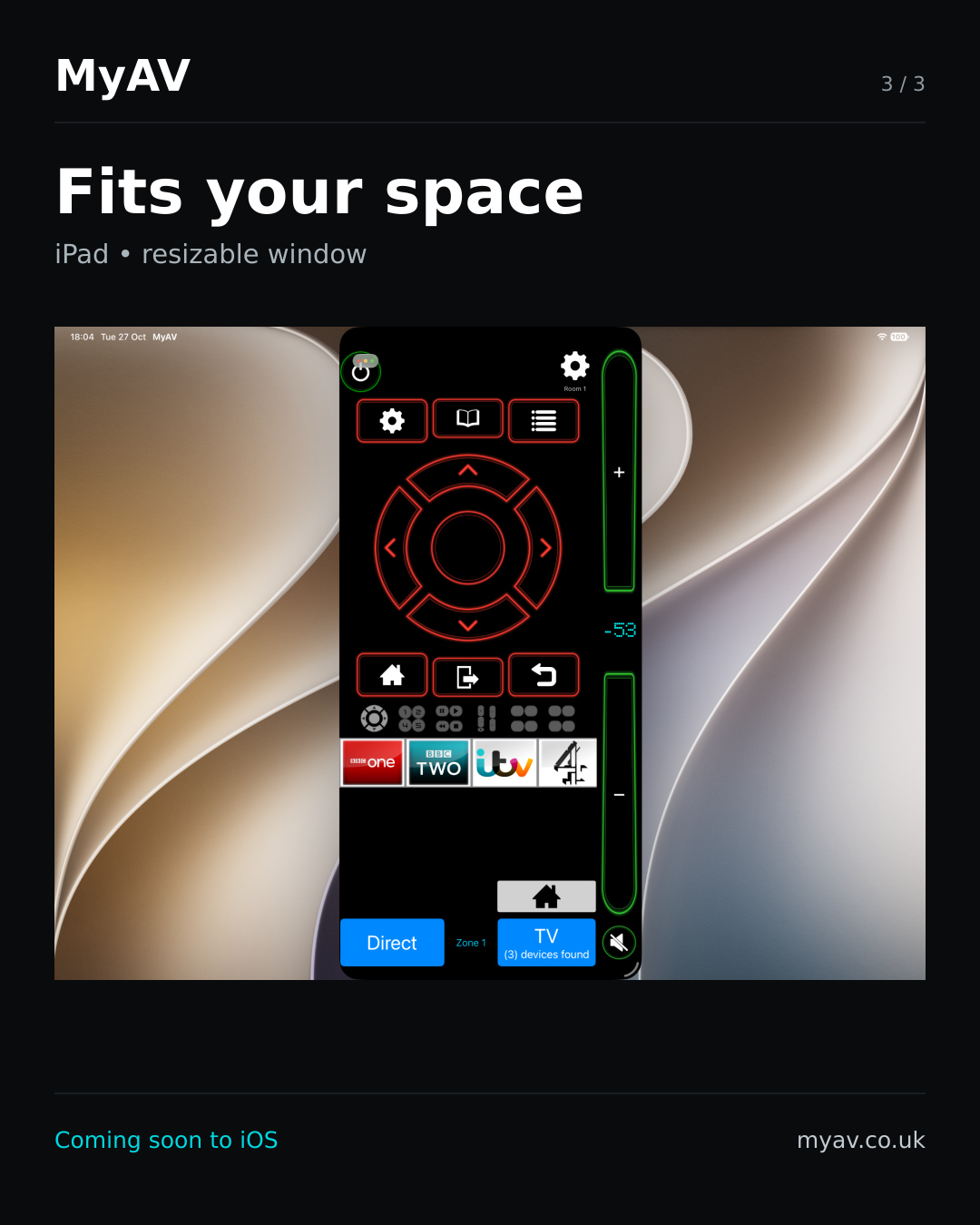
Work is underway to bring MyAV to iPhone and iPad, with controls that adapt to the space available.
Android is available now. iOS is still in development; device coverage and available features can differ between platforms.
Follow what’s next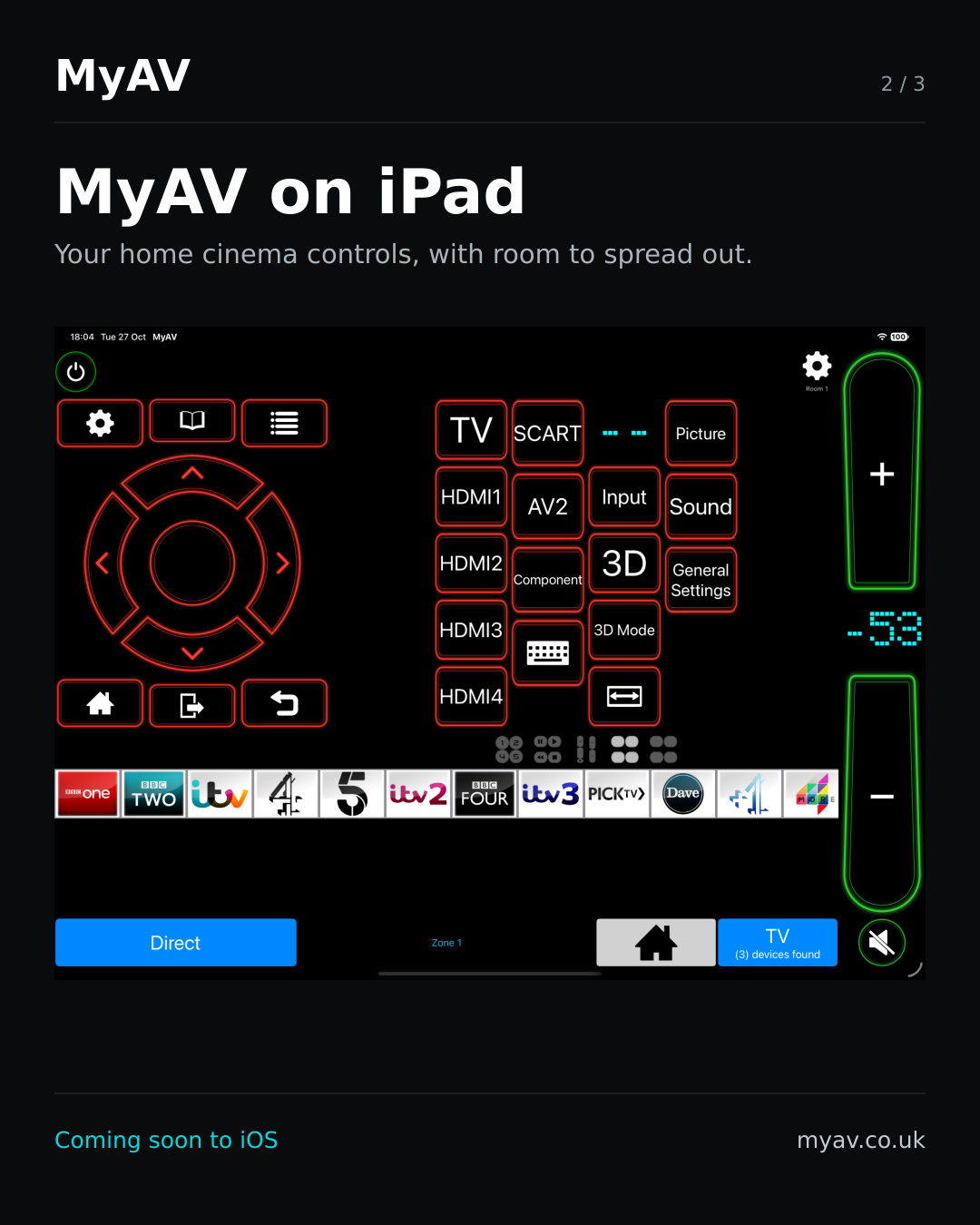
START WITH YOUR SETUP
Browse the published compatibility guide by brand, device type and connection method. Check the notes for your model before you start.